Annotation Extraction
WSI.annotation module
About this module
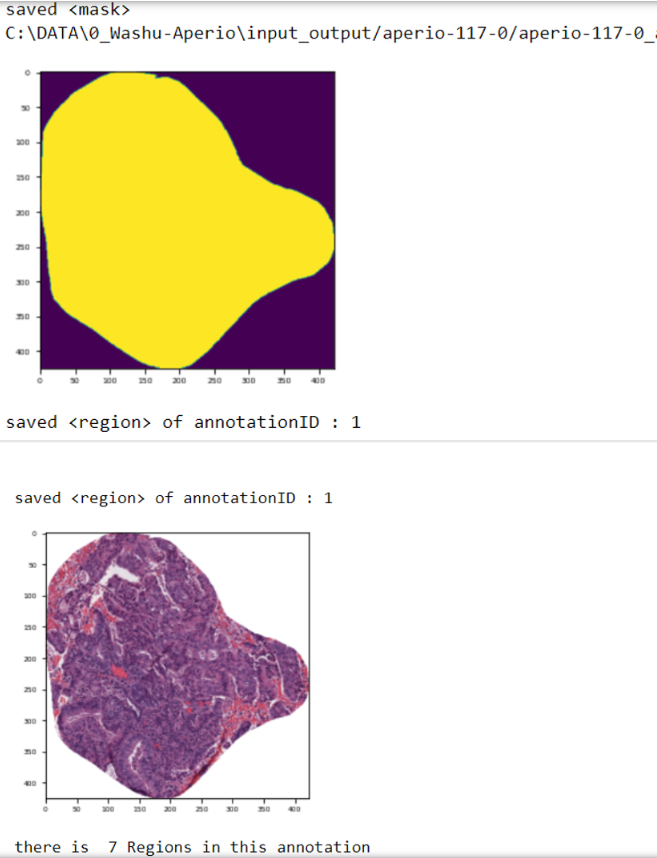
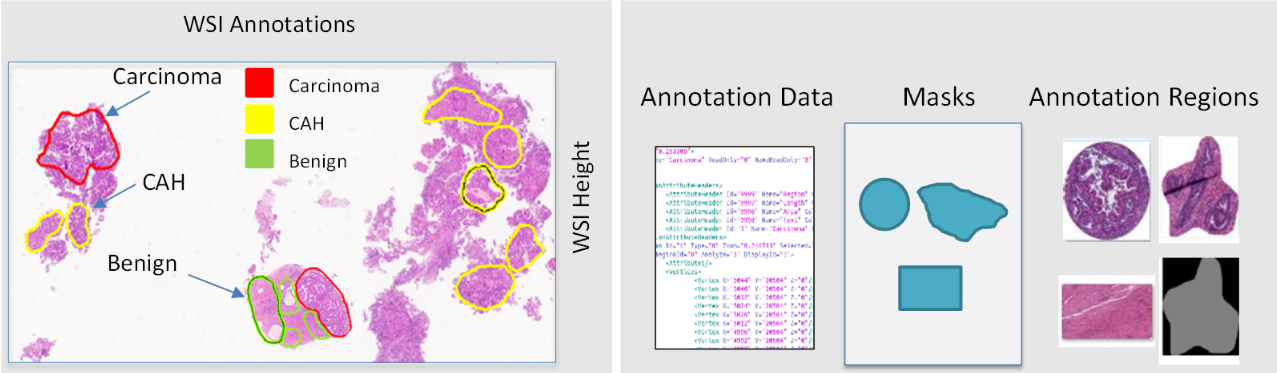
This demonstration guides you through the process extracting image regions from the WSI. We achieve this through using DataPath’s Annotation Extractor class. This demonstration should provide you with the instruction to use DataPath for extracting annotations and the annotation masks.
Loading Required Packages
This step involves importing various Python modules that are needed for our analysis.
from WSI.annotation import AnnotationExtractor
Note: if you get an error related to openCV, please re-install it using the following commands:
pip3 uninstall opencv-python-headless
pip3 install opencv-python-headless
Read Whole Slide Image and XML files
In this section, we read WSIs and XML files from a given directory and create a list for further processing. Please note that for each WSI file, there should be an XML file containing annotations with the same filename as the WSI filename. For example: Aperio1.svs and Aperio1.xml. In this part, you will also enter and set the output directory which the extracted annotation will be stored.
dir_file = “C:/Users/data”
wsis=[]
xmls=[]
files = os.listdir(dir_file)
for i in files :
        #extract all wsi files and xml files
        if i.endswith(".svs")==True :
                if os.path.exists(dir_file+'\\'+i[:-4]+".xml"):
                        wsis.append(i)
                        xmls.append(i[:-4]+".xml")
WSIs_ = [os.path.join(dir_file,f) for f in wsis]
XMLs_ = [os.path.join(dir_file,f) for f in xmls]
print(WSIs_,XMLs_)
save_dir = “C:/Users/data/output”
After reading the list of WSIs and XML files, you should be able to see the list of loaded files similar to the following output:

Extracting Annotation
In this section, we will use the extract_ann method of the AnnotationExtractor class to extract the annotations. First, we need to define an object from the AnnotationExtractor class, and call the extract_ann method. There are three inputs required to call the extract_ann method which are, <save directory>, <a variable with list of XMLs>, and <a variable with list of WSIs>. These variables are defined in the previous section (Read Whole Slide Image and XML files).
AnnotationExtractor.extract_ann (Save_dir: str,XMLs: array , WSIs: array) → Image

Loads whole slide images and corresponding annotation files and extracts the annotations.
You also can set the visualization parameter to “True” in order to extract the annotations and visualize the results. You can run the following code to do this:
ann = AnnotationExtractor()
Visualization = True
ann.extract_ann (save_dir ,XMLs_ , WSIs_,Visualization)
This will plot each extracted annotation in the output similar to the following:
Extracting Annotation and Mask
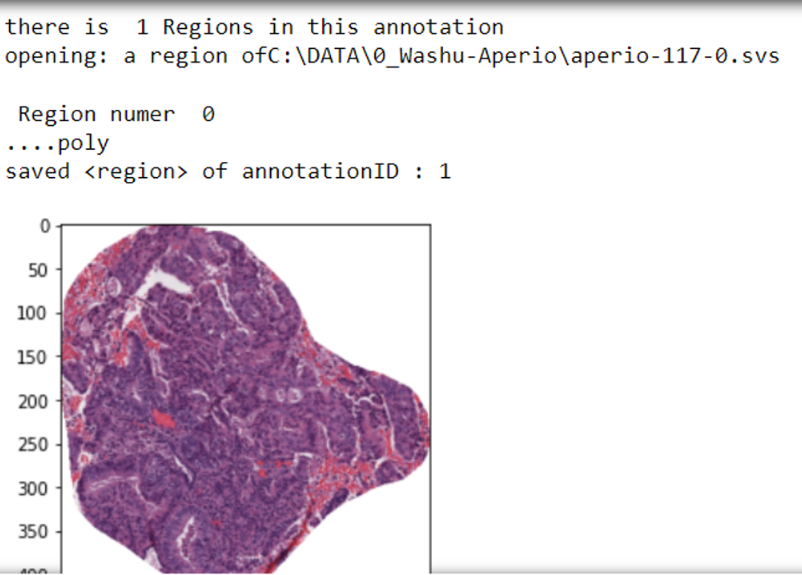
The extract_ann method of the AnnotationExtractor class allows you to extract both annotations and the mask at the same time and save them into the save directory as specified earlier. For this goal, you can run the following code and setting the save_mask parameter to “True” as follows.
ann = AnnotationExtractor()
Visualization = True
save_mask = True
#Extracting all annotations and their mask save them in the save directory and plotting.
ann.extract_ann (save_dir ,XMLs_ , WSIs_,Visualization,save_mask)
running this code will extract both annotations and corresponding mask, save them into the save directory and visualize the mask and annotation in the output similar to the following screenshot.